Sometimes the built-in player isn't enough. If you have audio issues or need advanced subtitle support, using an external player like VLC is the best solution.
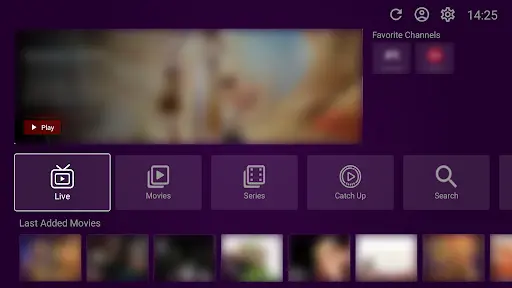
Before we start, it is important to understand that VU Player Pro is a third-party application created by IRBOETECH CO., LIMITED. We do not own or create the app. We are a premium service provider that offers IPTV playlists designed to work perfectly with it. VU Player Pro is a paid application that provides a 7-day free trial to all new users.
Why Use External?
External players like VLC Media Player or MX Player have more "codecs." This means they can play almost any video format without errors. If you see "No Sound" or "Unsupported Video," switching to an external player usually fixes it instantly.
Compatible Players
The app supports many players, but we recommend these three for the best experience:
- VLC Media Player: The king of compatibility (Available on all devices).
- MX Player: Excellent for Android and Firestick users.
- PotPlayer: The best choice for Windows PC users.
Setup Steps
- Install your chosen player (e.g., VLC) from the App Store.
- Open VU Player Pro and go to "Settings."
- Scroll down to "External Player" and toggle it to "ON."
- Select your player from the list that appears.
VLC Optimization
If you use VLC, make sure to enable "Hardware Acceleration" in the VLC settings. This will use your device's GPU to process the 4K stream, making it much smoother and reducing battery drain on mobile devices.
Stream Without Limits
Get our premium playlist and unlock the full potential of your player.
Frequently Asked Questions
Will it slow down channel switching?
Yes, slightly. Because it has to open a separate app for each channel, it takes 1-2 seconds longer to load than the built-in player.
Can I use an external player for VOD?
Yes. In fact, we recommend it for movies because you get much better control over subtitles and audio tracks.