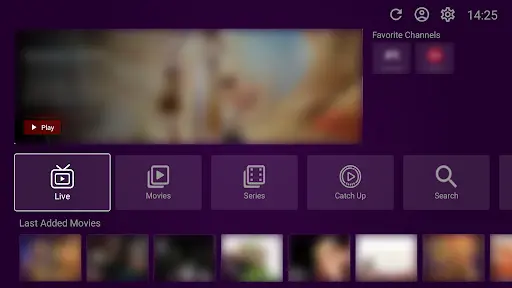
There is nothing more frustrating than opening your favorite app to watch a game and seeing an empty screen. If your channels are down, this guide will fix it.
Please note: VU Player Pro is a third-party application developed by IRBOETECH CO., LIMITED. We are an independent service provider and do not own or maintain the app. VU Player Pro is a paid application with a 7-day free trial. We provide the premium IPTV playlists that load into the player. If your channels are not working, it could be an issue with the player configuration or the playlist itself.
Quick Diagnosis
First, check if any channels are working. If some work and others don't, the issue is likely with the source. If all channels are down, the issue is your connection or your subscription status.
Step 1: Provider Check
Log into your customer area on our website to ensure your subscription is still active. If your trial has ended, your channels will stop working immediately.
Step 2: Internet Check
Restart your router. Sometimes a fresh IP address can fix connection blocks. Ensure you are not using a slow Wi-Fi signal; a wired Ethernet connection is always better for IPTV.
Step 3: External Test
Try loading your M3U link into a different app like VLC Media Player on your phone or PC. If it works there but not in VU Player Pro, then the issue is the player app itself.
Step 4: Re-sync
Go to vuplayer.pro and re-upload your playlist. This forces the app to refresh its connection to our servers and can fix most "Empty List" errors.
Get a Reliable Playlist
Our playlists are monitored 24/7 for maximum uptime.
Frequently Asked Questions
Why did my trial stop?
Trials only last 24 hours. After that, you must purchase a package to continue.
What if I see "List Empty"?
This usually means your M3U link has an error. Check the link for any missing characters or spaces.