
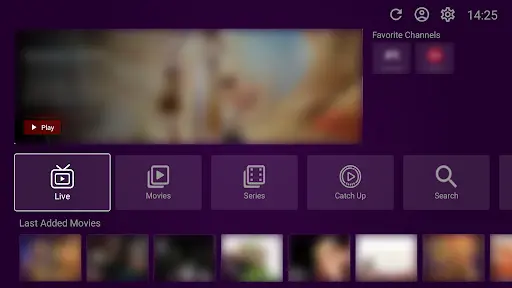
Buffering is the enemy of a great movie night. If your VU Player Pro keeps freezing, this guide will help you fix it and enjoy smooth 4K streaming.
Before troubleshooting, it is important to know that VU Player Pro is a third-party application. We do not own, create, or maintain this software. It is developed by IRBOETECH CO., LIMITED. VU Player Pro is a paid application that offers a 7-day free trial. We provide the premium IPTV playlists that work with the player. Buffering can be caused by the player, your internet, or the playlist provider.
Quick Diagnosis
Is the buffering happening on all channels or just one? If it is just one, the source is likely down. If it is all channels, the issue is your internet or the overall server load.
Internet Speed
To stream in 4K without buffering, you need a stable speed of at least 25-50 Mbps. We always recommend using an Ethernet cable instead of Wi-Fi for the most stable connection.
Provider Issues
Not all IPTV playlists are created equal. Cheap providers use overloaded servers that crash during big sports events. Our premium playlists use high-speed servers with 99.9% uptime to prevent these issues.
ISP Throttling
Sometimes your internet company (ISP) will intentionally slow down your streaming traffic. To bypass this, we highly recommend using a VPN. A VPN hides your activity from the ISP, allowing you to stream at full speed.
End Buffering Forever
Switch to a premium playlist optimized for 4K streaming.
Optimization Tips
- Clear Cache: Go to settings in the app and clear the cache.
- Update App: Ensure you are using the latest version of VU Player Pro.
- Change Format: Try switching from M3U to Xtream Codes for better sync.
Frequently Asked Questions
Why does it buffer only at night?
This is likely "Peak Time" congestion or ISP throttling. Use a VPN to fix this.
Can a slow VPN cause buffering?
Yes. Always use a premium VPN like ExpressVPN or NordVPN for the best results.